

Wildfire Planning & Resources

Comment

Wildfire Planning & Resources

Step One - Create A Communications Plan
This can be done way in advance and always in place for when disaster strikes, not for just when wildfires occur. Designate primary and secondary meeting points, discuss which social media posts you're going to post to to find one another if you become separated. Memorize each others mobile phone numbers. Designated a common family member of friend well removed from the geographic area that you can relay information through. Use a personal protection app like Virtual Halo so you can check in with each other and transmit your exact location (basic services are free). Keep your mobile phones charged and have spare battery chargers fully charged at all times.

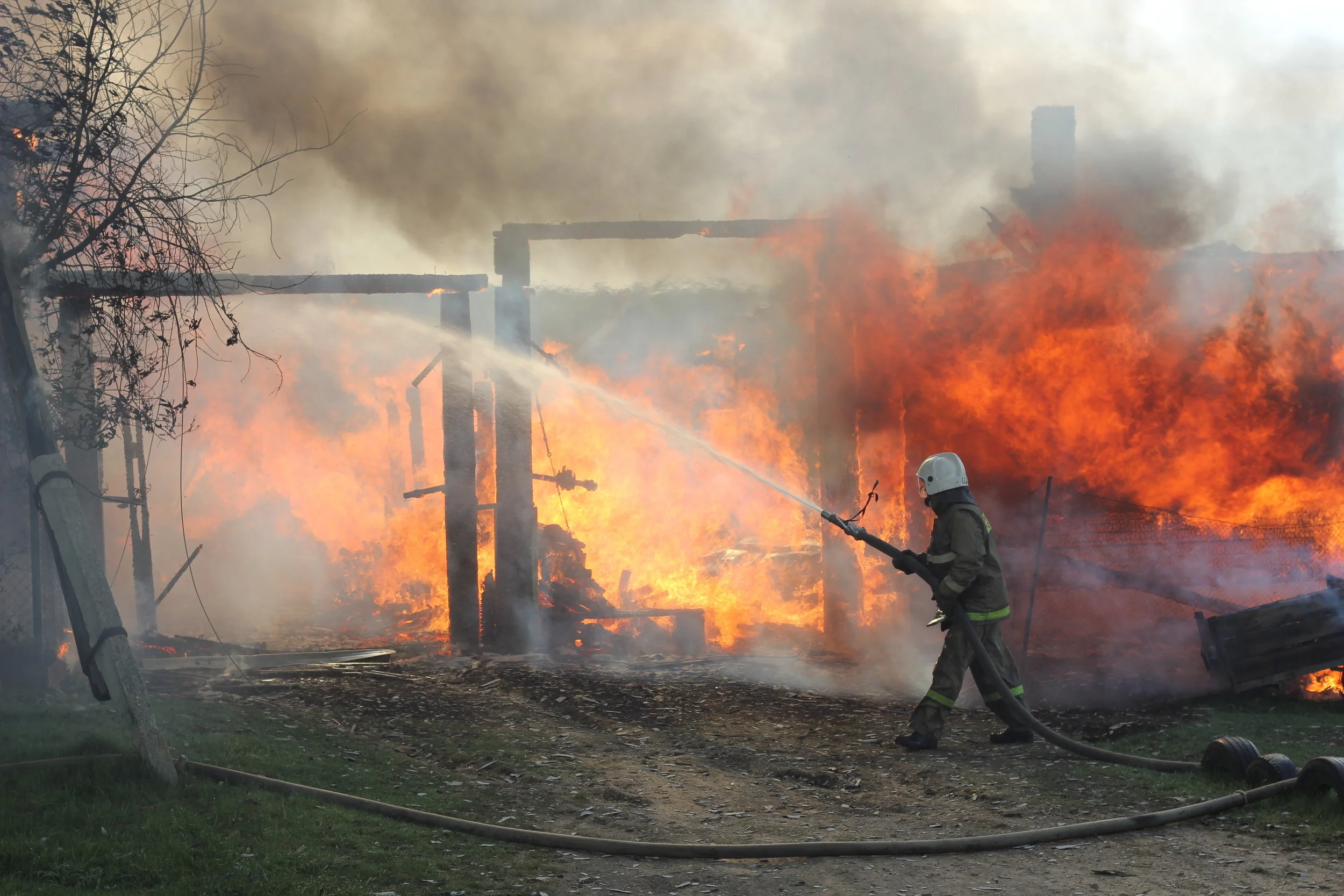
Unlike tornadoes, wildfire’s give a little notice so potentially affected residents can take a little action to achieve maximum safety. Below are a group of tools recommended for you to use when preparing for a wildfire. Be safe out there... and good luck!

Everyone needs to be prepared for the unexpected. Your friends and family may not be together when disaster strikes. How will you find each other? Will you know if your children or parents are safe? You will most likely have to evacuate. What’s your plan?
AdobeStock_53032690.jpeg

Step Two - Develop a Family Emergency Plan
This will include what to do during what type of disaster and should have provisions for when you're home and when you're traveling. Ready.gov had made planning a snap, visit their site here. Immediate steps to take include:

  • How will I receive my warnings?

  • What is my shelter plan?

  • What is my evacuation route?

  • What are the dietary needs of my household?

    • Get any provisions including water, batteries and flashlights that will be needed.

  • What planning do you need to make for your pet(s)?

Step Three - Constantly Review the FEMA Evacuation Guidelines
And follow all directions given by local and state governments. Access FEMA Evacuation Guidelines here. 

Step Four - Prepare For Evacuation

  • Inside The House

    • Shut all windows and doors, leaving them unlocked.

    • Remove flammable window shades, curtains and close metal shutters.

    • Remove lightweight curtains.

    • Move flammable furniture to the center of the room, away from windows and doors.

    • Shut off gas at the meter; turn off pilot lights.

    • Leave your lights on so firefighters can see your house under smoky conditions.

    • Shut off the air conditioning.

  • Outside The House

    • Gather up flammable items from the exterior of the house and bring them inside (patio furniture, children’s toys, door mats, trash cans, etc.) or place them in your pool.

    • Turn off propane tanks.

    • Move propane BBQ appliances away from structures.

    • Connect garden hoses to outside water valves or spigots for use by firefighters. Fill water buckets and place them around the house.

    • Don’t leave sprinklers on or water running, they can affect critical water pressure.

    • Leave exterior lights on so your home is visible to firefighters in the smoke or darkness of night.

    • Put your Emergency Supply Kit in your vehicle.

    • Back your car into the driveway with vehicle loaded and all doors and windows closed. Carry your car keys with you.

    • Have a ladder available and place it at the corner of the house for firefighters to quickly access your roof.

    • Seal attic and ground vents with pre-cut plywood or commercial seals.

    • Patrol your property and monitor the fire situation. Don’t wait for an evacuation order if you feel threatened.

    • Check on neighbors and make sure they are preparing to leave.

  • Animals

    • Locate your pets and keep them nearby.

    • Prepare farm animals for transport and think about moving them to a safe location early.


When waiting out a wildfire, be careful, the danger may not be over yet when everything looks clear. Each locale will distribute information differently. During the Napa Valley fires in 2017, they had a community-wide text service to let residents of the valley know what was going on and happening. Stay alert to local broadcasts and sign up for text alerts and download relevant apps if available.

After the wildfire, wait until your area is declared safe by emergency management personnel before returning home. And remember, recovering from a natural disaster is often a gradual process. Good luck and be safe!

RESOURCES

Comment

Keep Your Data Safe While Traveling Overseas

Comment

Keep Your Data Safe While Traveling Overseas

Whether at home or abroad there are a lot of cybersecurity threats that can put you and your personal data at risk, but this threat is even more perilous when you travel overseas. What steps have you taken to keep your data safe? Here are five key things you should be doing to protect against cyber security threats:

passport.jpeg

1. Change Your Passwords

Before you travel abroad, change all of your passwords on all of your devices. Your passwords should never be simple, like “password,” or use personally-identifying information, such as your name, birthdate, etc. Instead, opt for passwords that are at least eight characters long and use a combination of letters, numbers and symbols. When possible, you should also enable two-factor authentication.

2. Enable Auto-Delete

In the event that your device is stolen or misplaced, you want to have an extra safety measure in place. Make sure you enable auto-delete, a feature that will automatically erase all of the data in your device if someone incorrectly enters the password a set number of times.

3. Look for Anti-Theft Software

As an added level of protection, download anti-theft software to all of your devices. This software should allow you to remotely lock your device in the event that is it lost or stolen so you can take steps from there to locate it or erase all of your personal data. And while you’re downloading, make sure you’re only enabling apps that protect your personal information, like Virtual Halo.

4. Disable WiFi Auto-Connect

You should only connect to WiFi when you know it is safe and secure, no matter where you are on the map; but especially in foreign territory you want to be extra careful. Before you leave home soil, make sure you disable WiFi auto-connect features so you have to manually connect. If you know you will need to access sensitive data overseas, search for a secure VPN connection you can temporarily use.

5. Turn Off Bluetooth Connectivity

Along the same lines as WiFi, you want to turn off your Bluetooth connectivity. Cyberthreats can instantaneously seize opportunities to access your personal data through either WiFi or Bluetooth, so keep them out by turning it off altogether.

6. Keep Your Devices with You at All Times

Modern society is practically glued to their smart devices, but as a reminder: always keep your devices with you and in your sight. It only takes a second for them to go missing!

Double-click to edit...

Comment

How Schools Can Improve Student Safety

Comment

How Schools Can Improve Student Safety

A lot of schools are already taking steps to ensure their students are safe and secure while on campus or in classes with blue-light phones and campus security, but with modern advancements they can go the extra mile by downloading a user-friendly and reliable application on student smart devices that enables them to get help at the touch of a button: Campus Halo.

school.jpeg

Campus Halo Was Designed with the Student in Mind

Campus Halo is a personal safety application that can be downloaded directly every student’s smart device, such as their phone and Apple Watch. Since they already travel these devices, whether to stay in communication with friends and family or take notes in classes, it’s a simple solution to aid in student safety. Plus, the SOS feature is free to all students of select campuses, so they don’t have to worry about any associated fees.

Students Can Connect Directly to Campus Security

Unlike blue-light phones, students always have their personal devices with them wherever they are, so if a dangerous situation arises they don’t have to worry about searching for help and safety. Instead, they can use their device to push an SOS button to send a notification that goes directly to campus security with the student’s exact location. This eliminates the extra time it would take to find help, so thestudent gets the assistance they need that much more quickly.

Campus Halo is Making Campuses Safer

With help just an SOS button away, students can feel safer on campus and have peace of mind as they make their way to and from classes. In the event of an emergency situation, Campus Halo is there with instant notifications that get help to them faster than most other campus security measures. By keeping school populations safer, we are helping to increase the security of everyone. Learn more about Campus Halo here.

Double-click to edit...

Comment

Improve Your Health By Focusing On Your Personal Safety

Comment

Improve Your Health By Focusing On Your Personal Safety

There are plenty of potentially dangerous health risks that people routinely avoid every day. But if you want to keep your personal health in check, it’s a good idea to start with your safety. When you feel safe, you feel comfortable, which naturally reduces your stress levels. And since stress can lead to high blood pressure, diabetes or heart disease, keeping your mind and body relaxed and as stress-free as possible is one of the keys to leading a healthy, fulfilling life.

Man-with-dog.jpg

Personal Safety = Less Stress = Better Health

How are you keeping yourself healthy? When you think of health, your first inclination may be to imagine running, eating well or even practicing yoga; but do you consider your mental well-being? Your surroundings have been shown to have an impact on your mental state. When you feel safe, you feel comfortable and your mind is at ease, but when you don’t feel safe, your adrenaline races through your veins, putting your mind and body on high alert in preparation for the fight or flight response. This puts stress on your body both mentally and physically, which is why taking care of your personal safety is actually an integral part of being healthy.

Stay Alert to Avoid Danger

To stay safe, start by trusting your instinct; it’s usually very accurate. If a situation feels dangerous or you think there’s something off, there’s a reason why. Get to safety as quickly as possible and call for help. And always try to rely on the buddy system when you’re traveling to new areas or going on an adventure, like camping or hiking. Whether your buddy is another friend, family member or even your dog, having that extra safety net can come in handy if the situation arises.

Take Extra Precautions to Keep Yourself Safe

Even if you are traveling alone, always make sure you have a means to get help if you need it. With modern smart technology, it’s easier than ever before to stay connected and keep yourself safe. If you download Virtual Halo, your personal safety app, to your phone, you can link it to your Apple Watch so getting help is as quick and easy as pushing an SOS button.

Comment

The Ultimate Employee Safety System

Comment

The Ultimate Employee Safety System

As an employer, you are invested in the safety and wellbeing of your employees. Not only are you responsible for them during business hours in the workplace, but you are also held accountable, to an extent, for their safety while they are traveling for work. This is why investing in a safety system for your employees just makes sense.

Car-map.jpg

Keep Your Employees Comfortable with Virtual Halo

Virtual Halo is a personal safety app that was designed for travelers, and with new features for Virtual Halo Enterprise it is now the ultimate safety system for your employees no matter what industry you’re in. Here’s how the app’s features are keeping your employees safe:

SOS, Check In and Going Out Features

Virtual Halo is both proactive and reactive. With the Going Out feature (customizable by industry), the app will automatically send you a message if your employee hasn’t checked in after a set time; so if they were scheduled for a meeting you can follow up with them to make sure they’re OK. Alternatively, the Check In feature allows the employee to send you a message that lets you know they’re OK so you don’t need to follow up. Even better, this now syncs directly with Google Calendar and the O365 Calendar plugin to keep it simple and efficient for you and your employees. Then, if there is a problem your employee can hit the panic button. The SOS feature sends an instant notification with their location to let you know they’re in danger; that way you can get them the help they need.

Virtual Halo Enterprise for Business Keeps Them Safe, Keeps You Happy

With Virtual Halo Enterprise installed on your employees’ smart devices, you can keep in touch quickly and easily without being overburdened. As your employees travel for meetings, deliveries or on other business, you can relax knowing they have Virtual Halo on their side. This gives you peace of mind and makes your employees feel comfortable and safe as they travel.

Comment